Reservations View
The "Reservations View" module provides users with a comprehensive view of both old and new reservations. Users can manage reservations by accepting, editing, canceling, viewing details, and even creating manual reservations when needed.
Accept ,Edit, Create, or Cancel Reservations
Overview:
The "Reservations View" module provides users with a comprehensive view of both old and new reservations. Users can manage reservations by accepting, editing, canceling, viewing details, and even creating manual reservations when needed.
-
Access "Reservations View":
- Navigate to the "Reservations View" module to see an overview of all reservations.
-
View Reservation List:
- Access a list of both old and new reservations.
-
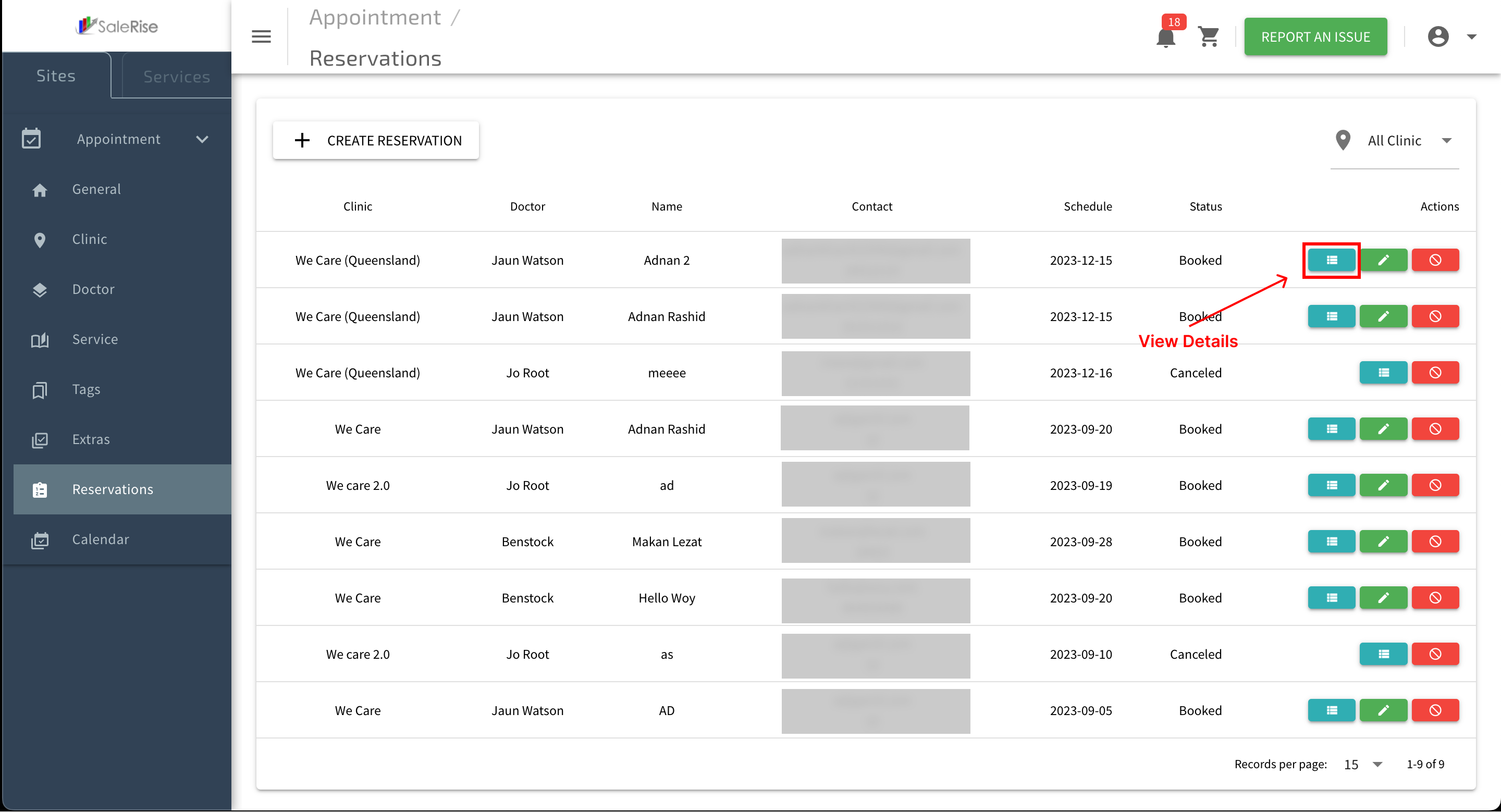
View Reservation Details:
- Click on a reservation to view detailed information.

- Customer Details: Name, contact information, and any other relevant details.
- Reservation Items: List of services or extras booked.
- Click on a reservation to view detailed information.
-
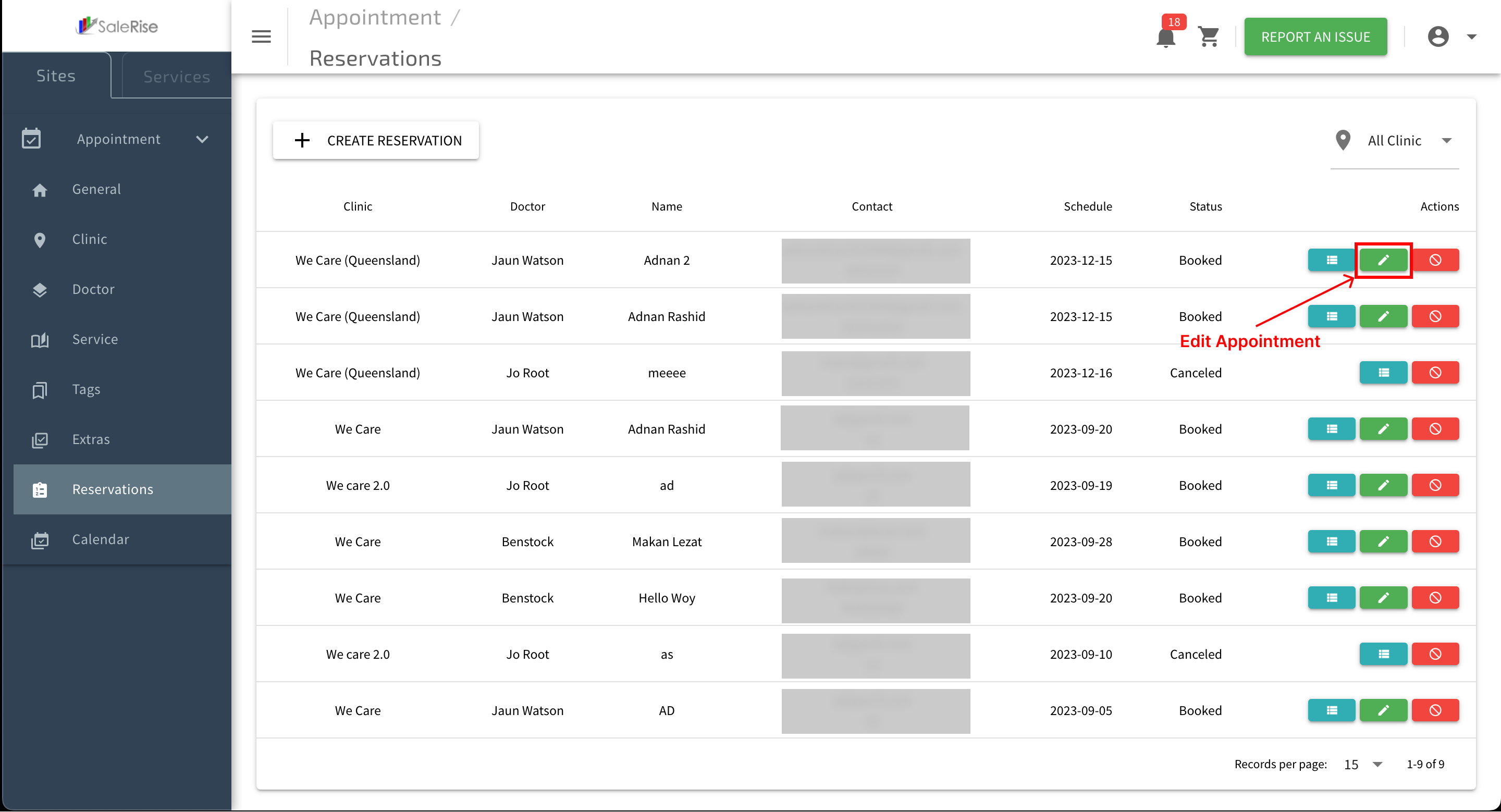
Edit Reservation:
- Edit reservation details if needed (e.g., change date or room).

- Edit reservation details if needed (e.g., change date or room).
-
Accept Reservation:
- For pending appointments, users can click on the "Accept" button directly on the appointment list. This confirms the appointment.
- Users have the flexibility to modify the scheduled date and room for reservations they have accepted.
-
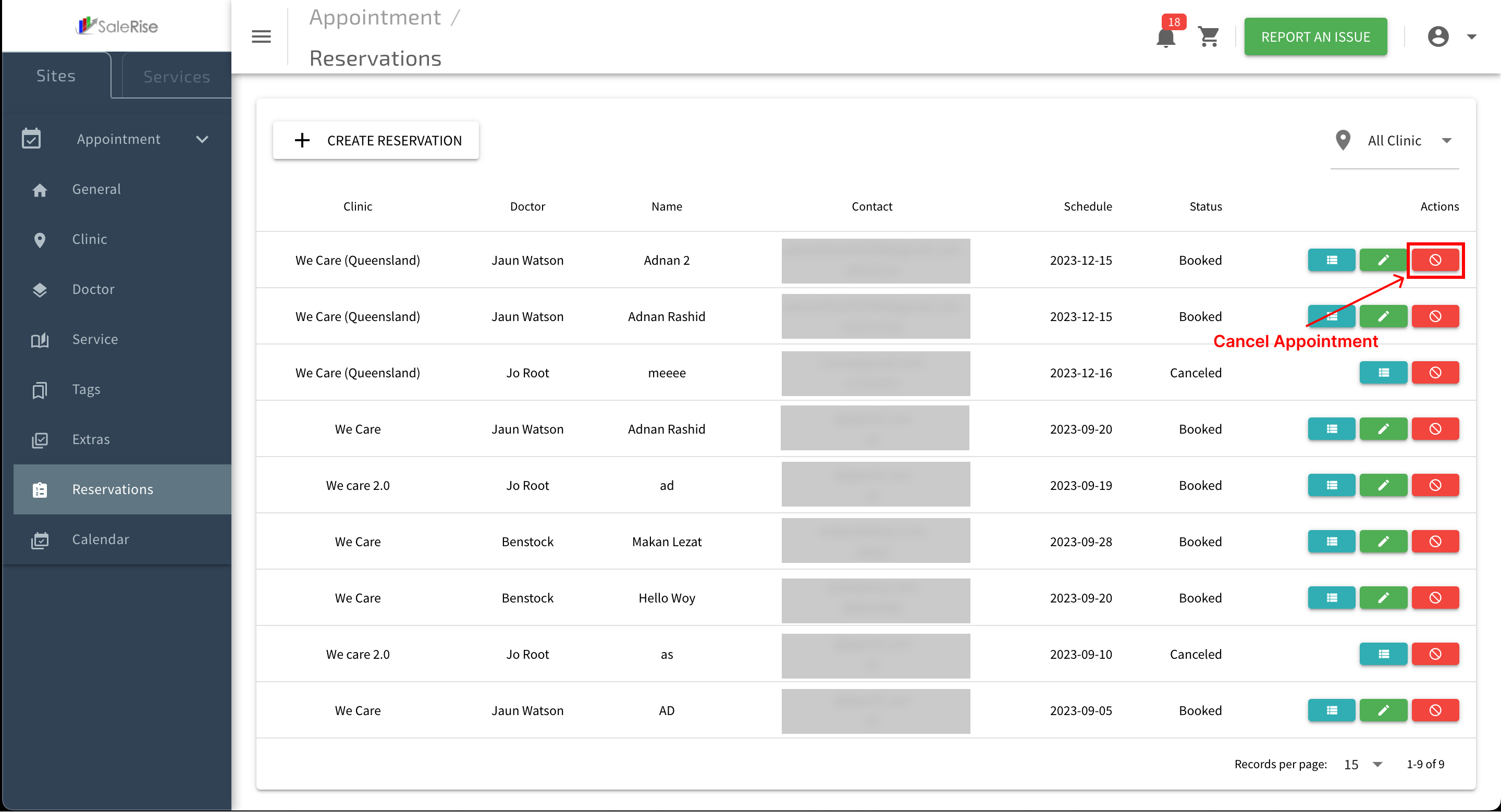
Cancel Reservation:
- Cancel a reservation if necessary.

- Cancel a reservation if necessary.
-
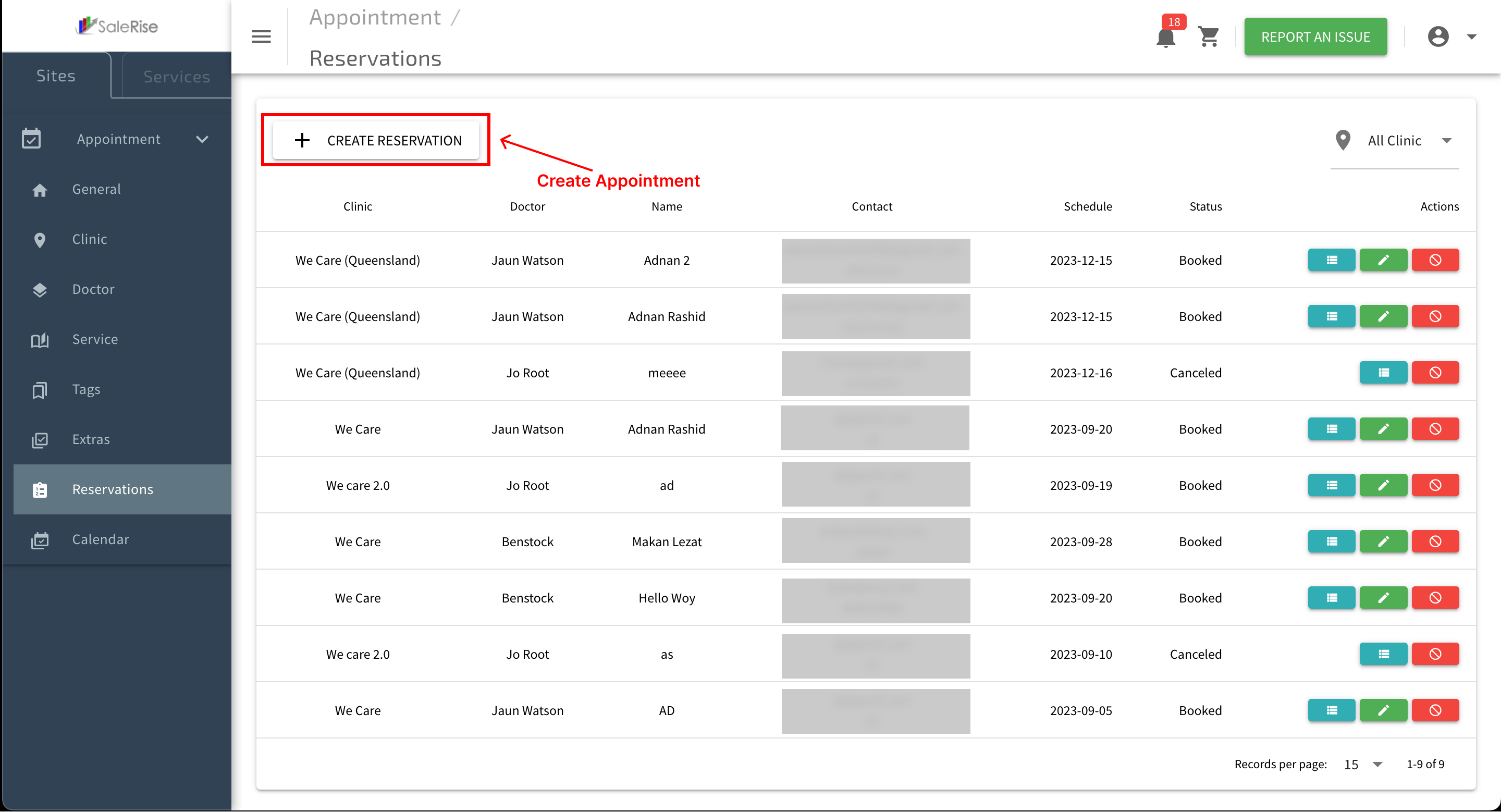
Manual Reservation Creation:
- Click on "Create Manual Reservation" to manually add a reservation.

- Customer Details: Enter customer information.
- Reservation Details: Specify date and room.
- Save Manual Reservation: Confirm the manual reservation details.
- Click on "Create Manual Reservation" to manually add a reservation.